





4.03 GB | 00:14:12 | mp4 | 1920X1080 | 16:9
Genre:eLearning |Language:English
Files Included :
1 Introducing Microsoft Fabric (37.47 MB)
2 Understand OneLake Architecture (66.97 MB)
3 License and Explore Fabric (And Power BI) (103.32 MB)
4 Explore the Admin Settings (74 MB)
5 Other Administrative Dev Tools (58.1 MB)
6 CHALLENGE (15.93 MB)
1 Introducing Semantic Model Design (44.63 MB)
2 Dimensions and Facts (25.31 MB)
3 Star and Snowflake Schema (15.08 MB)
4 1st Form Normalization (26.44 MB)
5 2nd and 3rd Form Normalization (21.46 MB)
6 What Works Best for Analytics (10.25 MB)
7 Merge Queries in Power Query (14.93 MB)
8 CHALLENGE (9.19 MB)
1 Introducing DAX and DAX Studio (37.45 MB)
10 Datetime Functions (13.94 MB)
11 CHALLENGE (9.54 MB)
2 Install DAX Studio (13.61 MB)
3 EVALUATE (26.85 MB)
4 ORDER BY and FILTER (17.4 MB)
5 SUMMARIZECOLUMNS (20.41 MB)
6 Basic DAX Aggregations (13.42 MB)
7 DEFINE (14.33 MB)
8 Iterator (or X) Functions (11.48 MB)
9 CALCULATE (12.08 MB)
1 Introducing External Modeling Tools (54.91 MB)
2 DAX Studio Performance Analysis (29.65 MB)
3 DAX Studio VertiPaq Analyzer (21.53 MB)
4 ALM Toolkit (29.96 MB)
5 Install and Browse Tabular Editor (21.39 MB)
6 Use Tabular Editor Best Practices Analyzer (15.18 MB)
7 Object Level Security (15.34 MB)
8 Row Level Security (35.16 MB)
9 CHALLENGE (13.05 MB)
1 Introduction (92.03 MB)
2 Understand Measure Sprawl (22.37 MB)
3 Create a Calculation Group (10.08 MB)
4 Create Calculation Items (19.83 MB)
5 Use Calculation Groups in a Report (29.85 MB)
6 Add Field Parameters to Switch Measures (17.24 MB)
7 Create Calculation Groups in Power BI (12.84 MB)
8 CHALLENGE (13.5 MB)
1 Introducing the XMLA Endpoint (35.47 MB)
2 Understand the Point of XMLA (18.79 MB)
3 Governance and Configuration (10.18 MB)
4 Connect and Query with SSMS (18.78 MB)
5 Download and Deploy Models with Tabular Editor (19.46 MB)
6 Query Models with DAX Studio (12.27 MB)
7 Compare and Ship Models with ALM Toolkit (26.01 MB)
8 CHALLENGE (12.81 MB)
1 Introducing the Analytics Lifecycle (52.67 MB)
2 Connect a Workspace to Git (34.75 MB)
3 Use Source Control within Fabric (32.63 MB)
4 Use Power BI Project (pbip) Files (13.47 MB)
5 Use Power BI Template (pbit) Files (12.41 MB)
6 Implement a Power BI Deployment Pipeline (25.4 MB)
7 CHALLENGE (17.76 MB)
1 Introducing Fabric Optimization (31.99 MB)
2 Profiling Data (70.93 MB)
3 Storage Modes (18.27 MB)
4 File Partitioning (30.35 MB)
5 Partition Existing Tables (12.66 MB)
6 High Capacity Notebook Sessions (10.57 MB)
7 OPTIMIZE and VACUUM (5.61 MB)
8 V-Order and Optimized Writes (17.51 MB)
9 CHALLENGE (14.76 MB)
1 Introducing Dataflows (76.04 MB)
2 Extract Data (62.12 MB)
3 Aggregate Data (74.09 MB)
4 Merge Data (41.88 MB)
5 Filter Data (23.96 MB)
6 Rank Data (16.24 MB)
7 Publish Data to a Lakehouse (38.1 MB)
8 Schedule Automatic Data Refreshes (15.84 MB)
9 CHALLENGE (33.22 MB)
1 Introducing Data Factory Pipelines (28.74 MB)
2 Create a Data Source in Azure (67.31 MB)
3 Create Your Dataflow to Transform Data (53.31 MB)
4 Prep the Data Destinations (61.29 MB)
5 Set the Data Destination and Create a Pipeline (53.73 MB)
6 Validate and Run the Pipeline (19.36 MB)
7 CHALLENGE (30.53 MB)
1 Introducing Fabric Lakehouses (27.96 MB)
2 Recall Why OneLake and Lakehouses Matter (67.83 MB)
3 Get Some Sample Data (19.45 MB)
4 Create a Lakehouse and Upload Data Files (42.8 MB)
5 Load Data Into Delta Tables (57.57 MB)
6 Explore the SQL Analytics Endpoint (60.22 MB)
7 Create a Shortcut (54.51 MB)
8 CHALLENGE (27.75 MB)
1 Introducing Lakehouse Frontend Data Analysis (36.66 MB)
2 Understand Where Frontend Analytics Comes In (32.6 MB)
3 Create a Visual Query (34.66 MB)
4 Filter and Organize Data (36.16 MB)
5 Transform and Add Columns (34.97 MB)
6 Work with Semantic Models (78.5 MB)
7 Create Reports (26.31 MB)
8 CHALLENGE (26.26 MB)
1 Introducing Data Warehouses (41 MB)
2 Creating a Data Warehouse (42.52 MB)
3 Perform DDL Operations (49.28 MB)
4 INSERT and UPDATE Operations (49.15 MB)
5 Alter Tables Sort of (33.49 MB)
6 Update Records with Calculations (24.1 MB)
7 Copy Data From External Sources with COPY INTO (40.32 MB)
8 CHALLENGE (22.52 MB)
1 Introducing Fabric Notebooks (42.01 MB)
2 What Spark Really Is (37.37 MB)
3 Load Data Into Spark Notebooks (96.85 MB)
4 Set and Alter Schema Data Types and Columns (82.04 MB)
5 Filter Data (35.31 MB)
6 Aggregate, Group, and Sort Data (39.64 MB)
7 CHALLENGE (20.83 MB)
1 Introducing Data Querying and Writing in Notebooks (31.98 MB)
2 Join Dataframes (41.69 MB)
3 Write Files to a Lakehouse (33.57 MB)
4 Write Data to Delta Tables (25.39 MB)
5 Querying with SQL and Python (34.44 MB)
6 Scheduling and Orchestrating Notebooks (15.27 MB)
7 CHALLENGE (11.67 MB)
1 Introducing Semantic Models (57.55 MB)
2 Get Some Data (30.96 MB)
3 Create Semantic Model Relationships (25.04 MB)
4 Auto-Generate a Report from Your Model (11.71 MB)
5 Create DAX Measures (12.25 MB)
6 Connect to Fabric with Power BI Desktop (20.52 MB)
7 Connect to the SQL Analytics Endpoint (12.73 MB)
8 Publish Apps (31.88 MB)
9 CHALLENGE (13.9 MB)
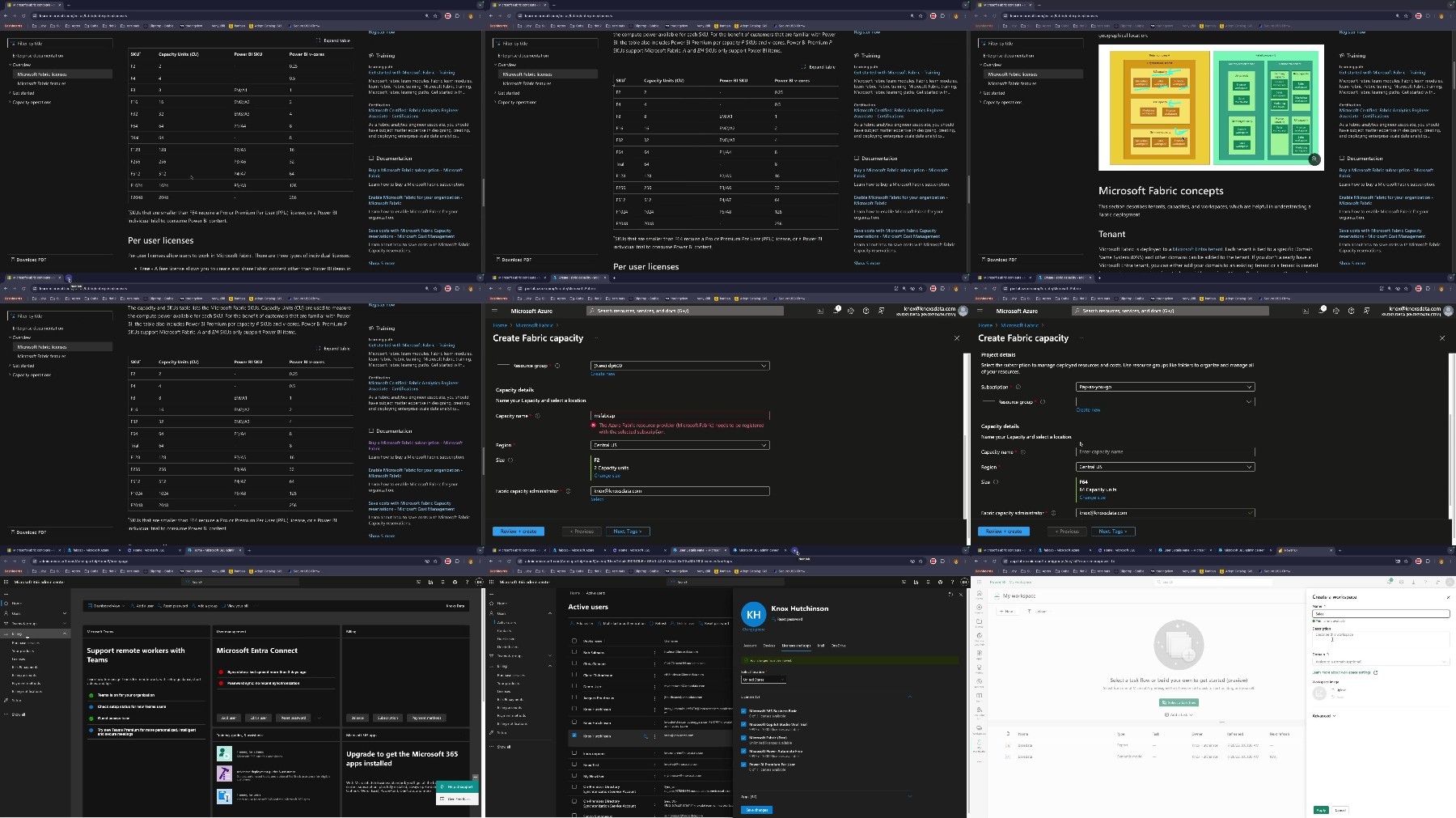
Screenshot
Feel free to post your CBTNuggets - DP-600 Implementing Analytics Solutions Using Microsoft Fabric Free Download, torrent, subtitles, free download, quality, NFO, Dangerous CBTNuggets - DP-600 Implementing Analytics Solutions Using Microsoft Fabric Torrent Download, free premium downloads movie, game, mp3 download, crack, serial, keygen.