





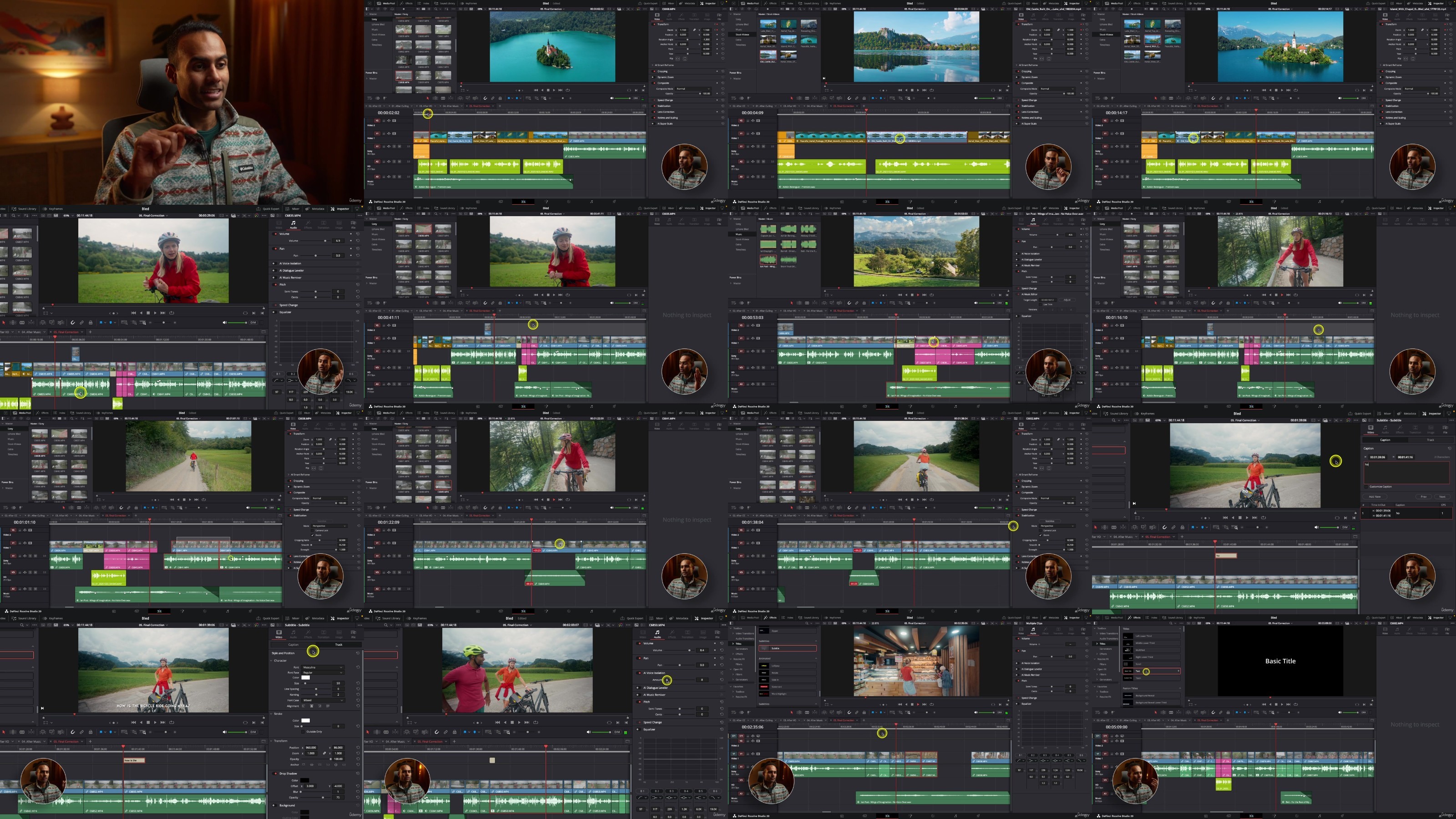
Edit Faster in DaVinci Resolve
Published 11/2025
Duration: 1h 43m | .MP4 1280x720 30fps(r) | AAC, 44100Hz, 2ch | 1.75 GB
Genre: eLearning | Language: English
A YouTube Workflow for Creators
What you'll learn
- Project Setup for Speed & Consistency
- Media Organization That Edits Itself
- Rapid Culling & Assembly
- Voiceover, A-Roll & B-Roll Integration
- Pro Audio in Minutes
- Cinematic Yet Fast Color Grading
- Best Export Settings for YouTube
Requirements
- DaVinci Resolve (Free or Studio)
- Basic familiarity with timelines, cuts, and the Edit/Color pages
- Download access to the class resources (raw footage, keyboard preset, music notes)
Description
Publishing YouTube videos regularly is hard-especially when editing takes so much of your time. In this class, I share my complete workflow forediting YouTube videos fast in DaVinci Resolve(Free or Studio), the exact system I use as a professional videographer, YouTuber, and course creator to turn around high-quality videos in hours, not days.
This isnota beginner "learn editing from scratch" course. If you already know the basics of Resolve and want afaster, cleaner, more consistentprocess, this class will give you the toolkit: from project setup and timeline management to rapid culling, edit-along keyboard shortcuts, voiceover integration, music mixing, cinematic color grading, and high quality export settings for YouTube.
You'll also getall the raw footage(separate Windows/Mac folders) so you canedit along step-by-stepand immediately apply the workflow to your own channel.
Who is this class for?
Intermediate editors who know Resolve basics and want tospeed up.
Creators who publish to YouTube and need a repeatable, professional workflow.
Filmmakers who want practical shortcut-driven editing and clean, consistent output.
Not for absolute beginners-see my Resolve Masterclass if you're starting from zero.
What will you learn?
Project Setup for Speed & Consistency
Media Organization That Edits Itself
Rapid Culling & Assembly
Voiceover, A-Roll & B-Roll Integration
Pro Audio in Minutes
Cinematic Yet Fast Color Grading
Best Export Settings for YouTube
Requirements
DaVinci Resolve (Free or Studio)
Basic familiarity with timelines, cuts, and the Edit/Color pages
Download access to the class resources (raw footage, keyboard preset, music notes). If a download link ever fails, leave a comment, I'll help
Who this course is for:
- Intermediate editors who know Resolve basics and want to speed up.
- Creators who publish to YouTube and need a repeatable, professional workflow.
- Filmmakers who want practical shortcut-driven editing and clean, consistent output.
- Not for absolute beginners-see my Resolve Masterclass if you're starting from zero.
More Info
RapidGator
NitroFlare
DDownload
Feel free to post your Edit Faster in DaVinci Resolve Free Download, torrent, subtitles, free download, quality, NFO, Dangerous Edit Faster in DaVinci Resolve Torrent Download, free premium downloads movie, game, mp3 download, crack, serial, keygen.