





Nonprofit Data Analysis Using R
Published 9/2024
MP4 | Video: h264, 1920x1080 | Audio: AAC, 44.1 KHz
Language: English | Size: 4.68 GB | Duration: 7h 54m
An 80-20 Approach to Proficiency for Beginners
What you'll learn
Load data from different sources into R (files, databases)
Clean and transform data using the tidyverse packages
Quickly explore and visualize data trends
Create professional visualizations and reports
Perform time-series analysis
Conduct feature engineering for deeper analysis
Automate reports with Rmarkdown
Requirements
No programming or statistical experience necessary.
Description
This is the R course for beginners with no coding experience. It is based on the latest research in online learning theory and my personal experience with dozens of online courses. I created this course as the course I wish I would have had when I first started learning R. We will code together and focus on the 20% of code responsible for 80% of the work. At the end of sections, you will have a 'Make It Stick' challenge to apply what you have just learned with a different dataset (based on principles in the book 'Make It Stick'). This course is different from other beginner courses in R in a couple significant ways
 roject-based learning with real-world scenarios: All lessons are based on common questions facing data practioners. Content focus: The course outline and lectures are based on everyday workflows of data practioners rather than a bottom-up approach to R programming. Practically, this means we won't spend much time learning about R and core principles of programming; we will immediately start with how you will use it. Current (& continually updated) code: I work in R everyday and make sure you are learning the best and most efficient ways to accomplish the most common and important tasks. For example, the rowwise function in the dplyr package enables you to perform calculations across columns by rows. A single line of code can now accomplish what was previously far more challenging. Keeping it real: I keep the video rolling when I make an error. You can learn a lot from mistakes. R was my first programming language and I quit twice because of too many errors, too much time to learn it, and frustration with online courses that left out important steps or assumed knowledge that simply wasn't there. I try really hard to explain what we're doing while we're doing it and then giving you an opportunity to do it on your own with a different (but related) dataset. In this course, you will learn to:Load data from different sources (files, databases)Structure data for analysis using the tidyverse packagesQuickly explore and visualize data trendsConduct feature engineering for deeper analysisAnalyze survey dataSelect the right visualization for your dataCreate professional visualizationsCreate and automate reports using RMarkdown
 Overview
Section 1: Introduction
Lecture 1 Dataset Introduction
Section 2: Project Set-Up
Lecture 2 Download R
Lecture 3 Download R Studio
Lecture 4 Download Course Files
Lecture 5 Set Working Directory
Lecture 6 Install Packages
Section 3: Section 1: Jumpstart
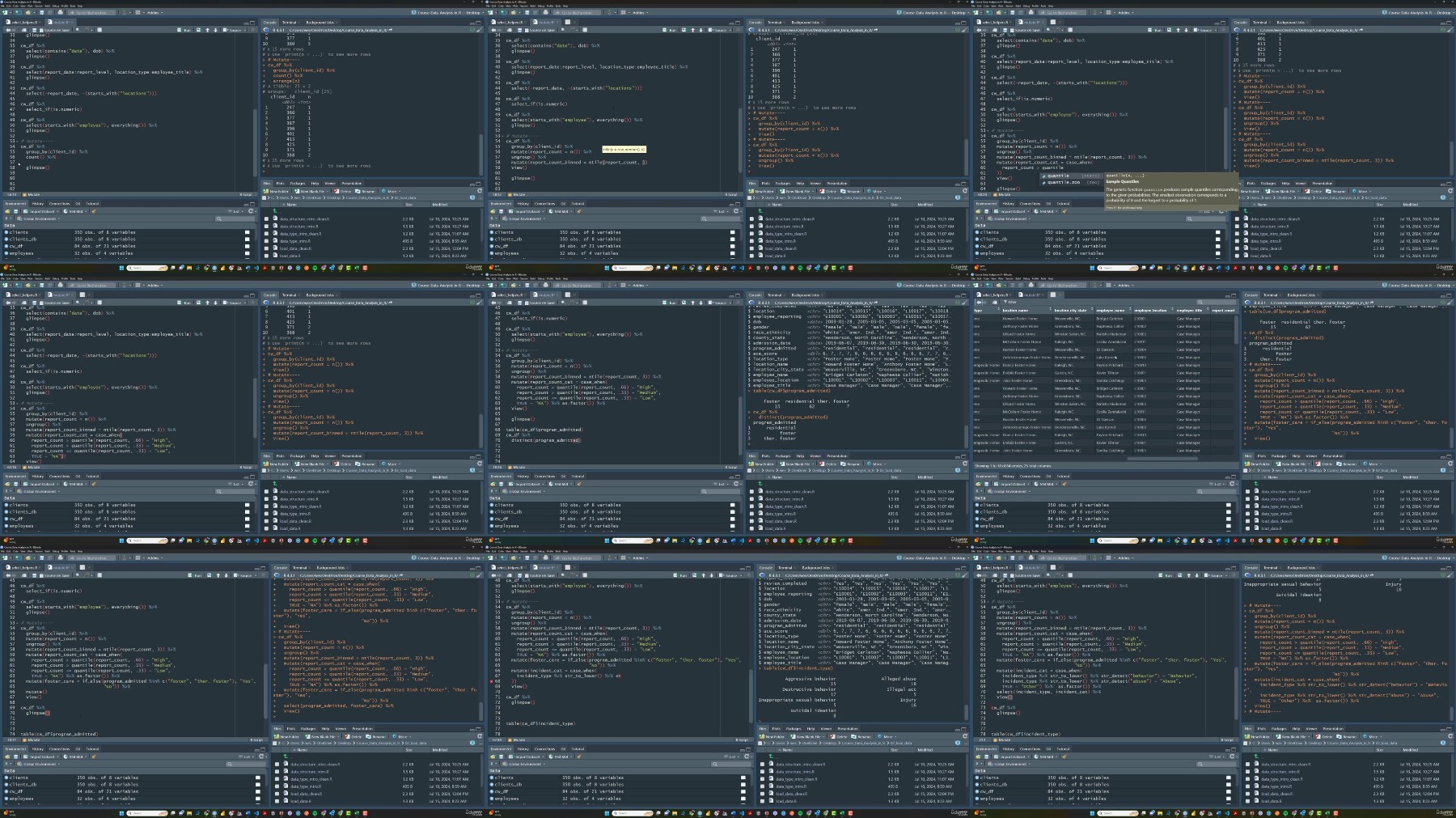
Lecture 7 1.0. Load Libraries and Import Data
Lecture 8 1.1. Data Wrangling Part 1 (mutate, change data types)
Lecture 9 1.2. Data Wrangling Part 2 (select, set_names, rename, and separate)
Lecture 10 1.3. Data Wrangling Part 3 (filter, group_by, and count)
Lecture 11 1.4. Data Wrangling Part 4 (distinct, slice, and filter by another variable)
Lecture 12 1.5. Data Visualization Part 1 (core syntax, facet_wrap, geom_text, & scales)
Lecture 13 1.6. Data Visualization Part 2 (Add theme and labels)
Lecture 14 1.7. Data Visualization Part 3 (geom_point, geom_smooth, geom_jitter)
Lecture 15 Challenge 1 Introduction
Lecture 16 Challenge 1 Explanation
Section 4: Section 2: Loading, Joining, and Exploring Data
Lecture 17 Section 2 Introduction
Lecture 18 Data Type Intro.
Lecture 19 Data Structure Intro.
Lecture 20 Load Data from Snowflake Database
Lecture 21 Mutate (with case_when, if_else)
Lecture 22 Exploratory Data Analysis Part 1 (Introduction)
Lecture 23 Exploratory Data Analysis Part 2 (DataExplorer package)
Lecture 24 Exploratory Data Analysis Part 3 (skimr and GGally packages)
Section 5: Section 3: Data Transformation
Lecture 25 Filter Part 1
Lecture 26 Filter Part 2
Lecture 27 Pivot_wider and pivot_longer Part 1
Lecture 28 Pivot_longer Part 2
Lecture 29 Bind_rows
Lecture 30 Group_by & Summarize
Lecture 31 Dates and Times Part 1: Date components
Lecture 32 Dates and Times Part 2: floor & ceiling_date
Lecture 33 Dates and Times Part 3: lag & change over time
Lecture 34 Dates and Times Part 4: rollmean & cumsum
Lecture 35 Modify Strings Part 1: str_to_lower, str_detect, and str_replace_all
Lecture 36 Modify Strings Part 2: str_glue
Lecture 37 Modify Strings Part 3: separate & unite
Lecture 38 Challenge 3 Introduction
Lecture 39 Challenge 3 Solutions
Section 6: Section 4: Feature Engineering
Lecture 40 Feature Engineering Introduction
Lecture 41 Cumulative (year-to-date) and Rolling Averages
Lecture 42 Extracting Time-Based Features
Lecture 43 Course Option: Functions or Visualizations
Lecture 44 Functional Programming Part 1: Anonymous functions within a list
Lecture 45 Functional Programming Part 2: Creating your first function
Lecture 46 Interpreting a Boxplot and Defining Outliers
Lecture 47 Functional Programming Part 3: Run a Function on a Single Column
Lecture 48 Functional Programming Part 4: Run a Function On Multiple Columns
Lecture 49 Functional Programming Part 4: Adding Function Results to Visualization
Lecture 50 Functional Programming Part 5: Run Multiple T-Tests on a Dataframe
Lecture 51 Functional Programming Part 6: Save and Load Functions
Section 7: Section 5: Data Visualizations and Reports
Lecture 52 Introduction: Choosing the Right Plot
Lecture 53 Part 1: Barplot
Lecture 54 Part 2: Barplot Function
Lecture 55 Part 3: Scatterplots (& geom_jitter)
Lecture 56 Part 4: Scatterplot Function
Lecture 57 Part 5: Density Plot
Lecture 58 Part 6: Boxplot & Violin Plot
Lecture 59 Part 7: Line Graph and Sourcing Plot Functions
Lecture 60 Part 8: Load New Libraries Before Next Section
Section 8: Section 6: Building Reports
Lecture 61 R Markdown Introduction
Lecture 62 Part 1: Creating a Report
Lecture 63 Part 2: Adding Graphs and Tables to Reports
Lecture 64 Part 3: Using CSS to Customize Report Layout
Lecture 65 Part 4: PDF Reports
Lecture 66 Part 5: Intro to Graph Layout with Patchwork
Lecture 67 Part 6: Additional Ways to Customize Graph Layout
Lecture 68 Part 7: Visual Editor Window
Lecture 69 Part 8: Parameterized Reports for Automation
Non-profit employees responsible for measuring and understanding program performance.,Employees who work on spreadsheets and are looking for more capacity and efficiency.
Feel free to post your Nonprofit Data Analysis Using R Free Download, torrent, subtitles, free download, quality, NFO, Dangerous Nonprofit Data Analysis Using R Torrent Download, free premium downloads movie, game, mp3 download, crack, serial, keygen.