





4.84 GB | 00:02:55 | mp4 | 1920X1080 | 16:9
Genre:eLearning |Language:English
Files Included :
1 Introducing Source Control (74.3 MB)
2 Install Git and VS Code (36.09 MB)
3 Initialize a Repo (37.51 MB)
4 Stage and Commit (22.21 MB)
5 Explore Commit History (21.27 MB)
6 Git Diff (16.64 MB)
7 CHALLENGE (15.47 MB)
1 Introducing Kubernetes (39.65 MB)
2 K8s Architecture (49.83 MB)
3 Install and Configure Microk8s (42.33 MB)
4 A Basic Deployment to Tease What is to Come (31.44 MB)
5 Pods, Deployments, and Services oh my! (10.73 MB)
6 Define a Pod in YAML (10.76 MB)
7 Define a Deployment in YAML (12.61 MB)
8 Define a Service in YAML (17.14 MB)
9 CHALLENGE (12.48 MB)
1 Introducing Continuous Delivery (55.55 MB)
2 Install kubectl in Jenkins (28.5 MB)
3 Utilize Kubeconfig for Auth (47.58 MB)
4 Prep Your Docker Hub Creds (20.1 MB)
5 Push to Dockerhub (16.38 MB)
6 Create a Deployment Manifest in Your Repo (11.57 MB)
7 Run the Pipeline and Expose a Service (28.28 MB)
8 A Note About This Content and CHALLENGE (91.54 MB)
1 Introducing Vagrant (69.81 MB)
10 CHALLENGE (20.09 MB)
2 How Vagrant Works (24.56 MB)
3 Install Virtualbox and Vagrant (30.56 MB)
4 Or Use VMWare Fusion if on Apple Silicon (25.98 MB)
5 Install Vagrant Plugins and Utilities (22.05 MB)
6 Create a Basic Vagrantfile (8.29 MB)
7 Deploy and Manage the VM (14.26 MB)
8 Install Dependencies in the VM (10.81 MB)
9 Connect VS Code to the Remote VM (27.37 MB)
1 Introducing Cloud-init (46.5 MB)
2 How Cloud-init works (30.19 MB)
3 Create a VM Template for Cloud-init (31.02 MB)
4 Create a Basic User Configuration (12.98 MB)
5 Create a Basic User Configuration (14.42 MB)
6 Create a Complex Configuration (37.42 MB)
7 CHALLENGE (14.03 MB)
1 Introducing Packer (36.68 MB)
10 CHALLENGE (8.6 MB)
2 Understand Where Packer Fits In (27.6 MB)
3 Install Packer (17.24 MB)
4 Begin an HCL Template (38.76 MB)
5 Plugins and Cloud-Init Config (17.01 MB)
6 The Build Stage (6.46 MB)
7 Part 1 - initial setup (26.71 MB)
8 Part 2 - moving to cloud-init (5.54 MB)
9 Part 3 - all done (6.06 MB)
1 Introducing Ansible (59.39 MB)
2 The Pieces of Ansible (30.28 MB)
3 Prep Your Infrastructure (11.86 MB)
4 Install Ansible (19.31 MB)
5 Prep a Folder, Config, and Inventory (32.57 MB)
6 Prep Vars (11.65 MB)
7 Create the Playbook (19.56 MB)
8 Run the Playbook (41.07 MB)
9 CHALLENGE (11.89 MB)
1 Introducing Complex Playbooks (48.56 MB)
2 Working with Facts and Debug (48.06 MB)
3 Filter and Print Strings with Facts (16.76 MB)
4 Run Conditional Tasks Based on Facts (24.97 MB)
5 Loop Concepts (17.57 MB)
6 Looping in a Playbook (37.07 MB)
7 Clean Up the Playbook by Using group vars (16.23 MB)
8 CHALLENGE (10.26 MB)
1 Introducing Templates in Ansible (32.51 MB)
2 The Concept of Templates (14.33 MB)
3 A Basic Template Play (19.69 MB)
4 Setup Vars and the Playbook (18.2 MB)
5 Create the J2 File (36.23 MB)
6 Configure the SSH Daemon (30.94 MB)
7 CHALLENGE (17.83 MB)
1 Introducing Handlers (43.99 MB)
10 CHALLENGE (18.03 MB)
2 What is a Handler (24.53 MB)
3 Operate Nginx (24.12 MB)
4 Operate Ufw (5.55 MB)
5 Handle Service Changes (21.91 MB)
6 Introducing Ansible Vault (9.19 MB)
7 Encrypt Files with Secrets (14.25 MB)
8 Run Playbooks with Secrets (18.16 MB)
9 Edit Encrypted Files (35.59 MB)
1 Introducing Roles and Ansible Galaxy (48.47 MB)
10 Publish New Versions of Your Role (29.18 MB)
11 CHALLENGE (7.21 MB)
2 What are roles (18.14 MB)
3 Initialize a Role (12.92 MB)
4 Prep the Playbook and Inventory (7.81 MB)
5 Create Role Files and Tasks (9.9 MB)
6 Prep Ansible Galaxy Metadata (4.77 MB)
7 Prep Ansible Galaxy and Github for Publishing (19.81 MB)
8 Publish and Test the Role (17.28 MB)
9 Understand Defaults and Vars (14.48 MB)
1 Take Your Git Skills to the Next Level (15.9 MB)
2 Reverting to Old Versions (26.75 MB)
3 Repository Designs (19.27 MB)
4 Repository Designs (28.03 MB)
5 Merge Branches (10.84 MB)
6 Handle Merge Conflicts (16.63 MB)
7 Git Checkout (20.75 MB)
8 CHALLENGE (23.69 MB)
1 Introducing Prometheus (108.14 MB)
2 Understand Prometheus (45.95 MB)
3 Understand the Prometheus Metric Format (41.22 MB)
4 Install and Configure Node Exporter (22.44 MB)
5 Install and Configure Prometheus (29.95 MB)
6 Install and Configure Grafana (31.83 MB)
7 CHALLENGE (18.24 MB)
1 Introducing the Elastic Stack (46.29 MB)
2 Understand the Stack (27.21 MB)
3 Deploy with docker compose (27.99 MB)
4 Add Kibana (18.13 MB)
5 Add Metricbeat (16.82 MB)
6 Add Filebeat (10.7 MB)
7 Add Logstash (28.46 MB)
8 CHALLENGE (6.09 MB)
1 Introducing Configuring the Elastic Stack (16.19 MB)
2 Recap the Elastic Stack Deployment (39.91 MB)
3 Monitor the Stack with Metricbeat (34.21 MB)
4 Monitor logs with Filebeat (59.4 MB)
5 Monitor a Fleet with Fleets (31.22 MB)
6 CHALLENGE (15.3 MB)
1 Introducing Github (49.34 MB)
2 Explore Github (39.94 MB)
3 Understand Push and Pull (34.2 MB)
4 Work with Branches and Pull Requests (47.61 MB)
5 Work with Forks and Pull Requests (28.86 MB)
6 Issues (18.97 MB)
7 Gists (9.34 MB)
8 Working with Private Repos (44.46 MB)
9 CHALLENGE (30.27 MB)
1 Introducing DevOps and CICD (47.55 MB)
2 The Point of DevOps (26.57 MB)
3 The Point of CICD (26.22 MB)
4 Where Source Control Fits In (22.3 MB)
5 DevOps Management Methodologies (22.03 MB)
6 How the Cloud and Virtualization Made DevOps Possible (18.26 MB)
7 CHALLENGE (12.41 MB)
1 Introducing Containers (61.95 MB)
2 The Problem that Containers Solve (44.71 MB)
3 How Containers Work (17.75 MB)
4 Install Docker Desktop and Work with the CLI (81.86 MB)
5 CHALLENGE (12.52 MB)
1 Digging Deeper into Docker (51.63 MB)
2 Handling Web Services (40.85 MB)
3 Define a Dockerfile (64.3 MB)
4 Build Your Custom Image (22.38 MB)
5 Orchestrate with Docker Compose (63.1 MB)
6 CHALLENGE (15.7 MB)
1 Introducing Jenkins (68.23 MB)
2 Why Learn Jenkins (32.38 MB)
3 Install Jenkins (21.51 MB)
4 Navigate and Manage Jenkins (76.66 MB)
5 A Primer on Stages (12.44 MB)
6 Creating a Basic Pipeline (29.35 MB)
7 CHALLENGE (11.29 MB)
1 Introducing Continuous Integration with Jenkins (56.29 MB)
2 Prepping a Reverse Proxy with SSL for Jenkins (40.43 MB)
3 Create a Github App for Jenkins to Authenticate As (42.03 MB)
4 Create a Private Repo and Push the Project (13.66 MB)
5 A Word about Manual Webhooks (11.26 MB)
6 Run the Pipeline - Fix the Webhooks First (41.42 MB)
7 Run the Pipeline - Fix Docker (33.56 MB)
8 CHALLENGE (21.05 MB)
1 Introducing the Test Stage (93.07 MB)
2 Prep Your App (15.25 MB)
3 Build the Test (17.98 MB)
4 Create a Jest Config (11.84 MB)
5 Prep Dockerfile and Jenkinsfile (45.85 MB)
6 Run the Pipeline and View Published Test Results (43.93 MB)
7 CHALLENGE (12.73 MB)]
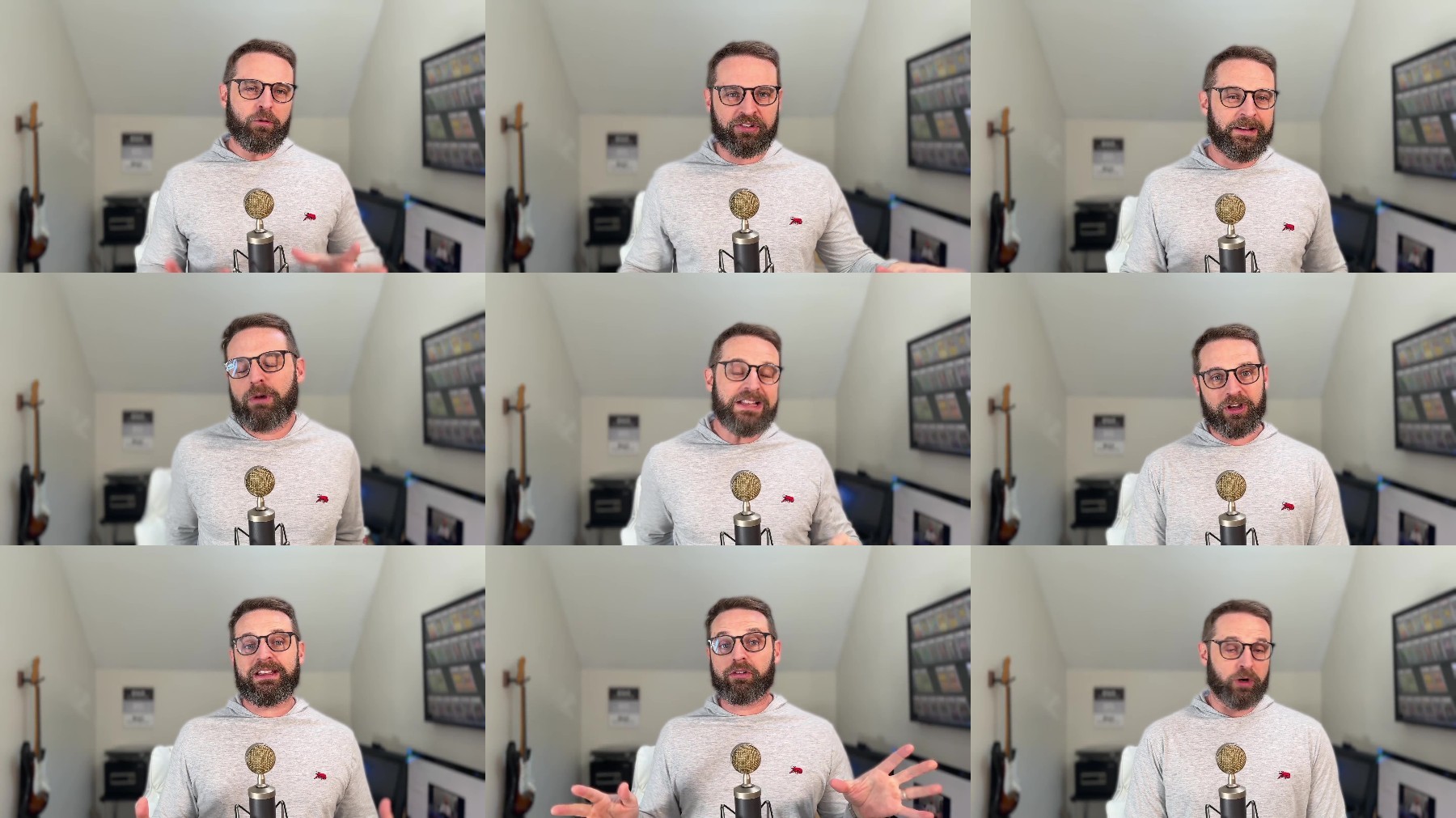
Screenshot
https://turbobit.net/xtyf98zbwwel/C....701.-.Knox.Hutchinson.2024.12.part1.rar.html
https://turbobit.net/mxwk4lyqlj7a/C....701.-.Knox.Hutchinson.2024.12.part2.rar.html
https://turbobit.net/pq582pw0dxcs/C....701.-.Knox.Hutchinson.2024.12.part3.rar.html
https://turbobit.net/w7i141yg0d6k/C....701.-.Knox.Hutchinson.2024.12.part4.rar.html
https://turbobit.net/1lbzuys1n160/C....701.-.Knox.Hutchinson.2024.12.part5.rar.html
https://rapidgator.net/file/13560a6....Exam.701.-.Knox.Hutchinson.2024.12.part1.rar
https://rapidgator.net/file/ff0e6eb....Exam.701.-.Knox.Hutchinson.2024.12.part2.rar
https://rapidgator.net/file/46bc646....Exam.701.-.Knox.Hutchinson.2024.12.part3.rar
https://rapidgator.net/file/8714e5a....Exam.701.-.Knox.Hutchinson.2024.12.part4.rar
https://rapidgator.net/file/c7021db....Exam.701.-.Knox.Hutchinson.2024.12.part5.rar
https://www.filefactory.com/file/4d....Exam.701.-.Knox.Hutchinson.2024.12.part1.rar
https://www.filefactory.com/file/6a....Exam.701.-.Knox.Hutchinson.2024.12.part2.rar
https://www.filefactory.com/file/2x....Exam.701.-.Knox.Hutchinson.2024.12.part3.rar
https://www.filefactory.com/file/qb....Exam.701.-.Knox.Hutchinson.2024.12.part4.rar
https://www.filefactory.com/file/3x....Exam.701.-.Knox.Hutchinson.2024.12.part5.rar
Feel free to post your DevOps Tools Engineer (Exam 701) - Knox Hutchinson (2024 12) Free Download, torrent, subtitles, free download, quality, NFO, Dangerous DevOps Tools Engineer (Exam 701) - Knox Hutchinson (2024 12) Torrent Download, free premium downloads movie, game, mp3 download, crack, serial, keygen.