





2.78 GB | 8min 34s | mp4 | 1280X720 | 16:9
Genre:eLearning |Language:English
Files Included :
1 -Introduction.mp4 (22.72 MB)
2 -How to Approach.mp4 (15.51 MB)
1 -introduction.mp4 (19 MB)
1 -How to Automatically Move Emails to a Folder.mp4 (14.28 MB)
2 -How to white list an email address or domain.mp4 (23.63 MB)
3 -Mastering keyboard shortcuts.mp4 (24.49 MB)
1 -How to use Mailmeteor for your mass email.mp4 (20.55 MB)
2 -Google Bulk Email Guidelines.mp4 (63.35 MB)
3 -Tracking your email.mp4 (24.89 MB)
4 -How to add and use Grammarly in Gmail.mp4 (23.88 MB)
5 -Automatic email follow-ups and pausing your inbox.mp4 (40.45 MB)
6 -Checker Plus for Gmail.mp4 (21.15 MB)
1 -How to Setup Delegated Mailbox.mp4 (42 MB)
2 -What is Collaborative inbox.mp4 (52.45 MB)
3 -How to use Collaborative or Shared inbox.mp4 (64.06 MB)
1 -Advanced security practices.mp4 (44.29 MB)
2 -Encryption and secure email delivery.mp4 (41.39 MB)
3 -Which Encryption Method Does Gmail Use.mp4 (36.21 MB)
4 -List of Email Encryption Methods in Gmail.mp4 (97.46 MB)
5 -How to Use PGPGP in Gmail.mp4 (65.9 MB)
6 -how to find public keys in different way and import it in Gmail.mp4 (29.41 MB)
7 -How to Use SMIME in Gmail.mp4 (51.89 MB)
8 -How to Get Free and Paid SMIME Certificates.mp4 (38.76 MB)
9 -Comparing SMIME and PGP for Email Security in Gmail.mp4 (78.16 MB)
1 -1 Introduction to ChatGPT mp4.mp4 (62.45 MB)
2 -2 Chat Gpt for Drafting email.mp4 (63.1 MB)
3 -3 Chat Gpt for responding Email.mp4 (27.82 MB)
4 -4 ChatGPT for Creating Templates and Canned Responses.mp4 (45.47 MB)
5 -5 Chat Gpt for checking grammar and clarity.mp4 (28.3 MB)
6 -6 Chat Gpt for summarizing Email.mp4 (47.67 MB)
1 -What is Gmail.mp4 (55.74 MB)
2 -Creating a Gmail account.mp4 (21.65 MB)
3 -Logging in Gmail account.mp4 (32.73 MB)
4 -Navigating the Gmail interface.mp4 (42.7 MB)
5 -Customizing Gmail themes and appearance.mp4 (23.07 MB)
1 -Composing emails.mp4 (25.64 MB)
10 -Downloading Attachments.mp4 (13.68 MB)
11 -Sending, replying, and forwarding emails.mp4 (24.19 MB)
2 -Composing emails using CC and BCC.mp4 (24.53 MB)
3 -Formatting composed emails.mp4 (23.21 MB)
4 -Spell check and spelling options.mp4 (9.16 MB)
5 -Inserting image on composed emails.mp4 (17.23 MB)
6 -Inserting and sending attachment on composed emails.mp4 (10.67 MB)
7 -What is Google Drive.mp4 (23.85 MB)
8 -Sending larger attachments via google Drive.mp4 (16.11 MB)
9 -Reading messages emails.mp4 (21.08 MB)
1 -Deleting messages.mp4 (21.27 MB)
10 -Setting Up Gmail notifications on Computer.mp4 (65.75 MB)
11 -Setting Up Gmail notifications s on mobile.mp4 (40.65 MB)
2 -Recovering Deleted messages.mp4 (19.14 MB)
3 -Archiving Messages.mp4 (17.18 MB)
4 -Creating and customizing labeling.mp4 (26.59 MB)
5 -Using Stars and Important Markers.mp4 (13.92 MB)
6 -Using filters.mp4 (20.14 MB)
7 -How to snooze an email and put a reminder in Gmail.mp4 (17.38 MB)
8 -Mastering Gmail search.mp4 (19.66 MB)
9 -Quick setting.mp4 (25.73 MB)
1 -Blocking senders and Making email as Spam.mp4 (35.39 MB)
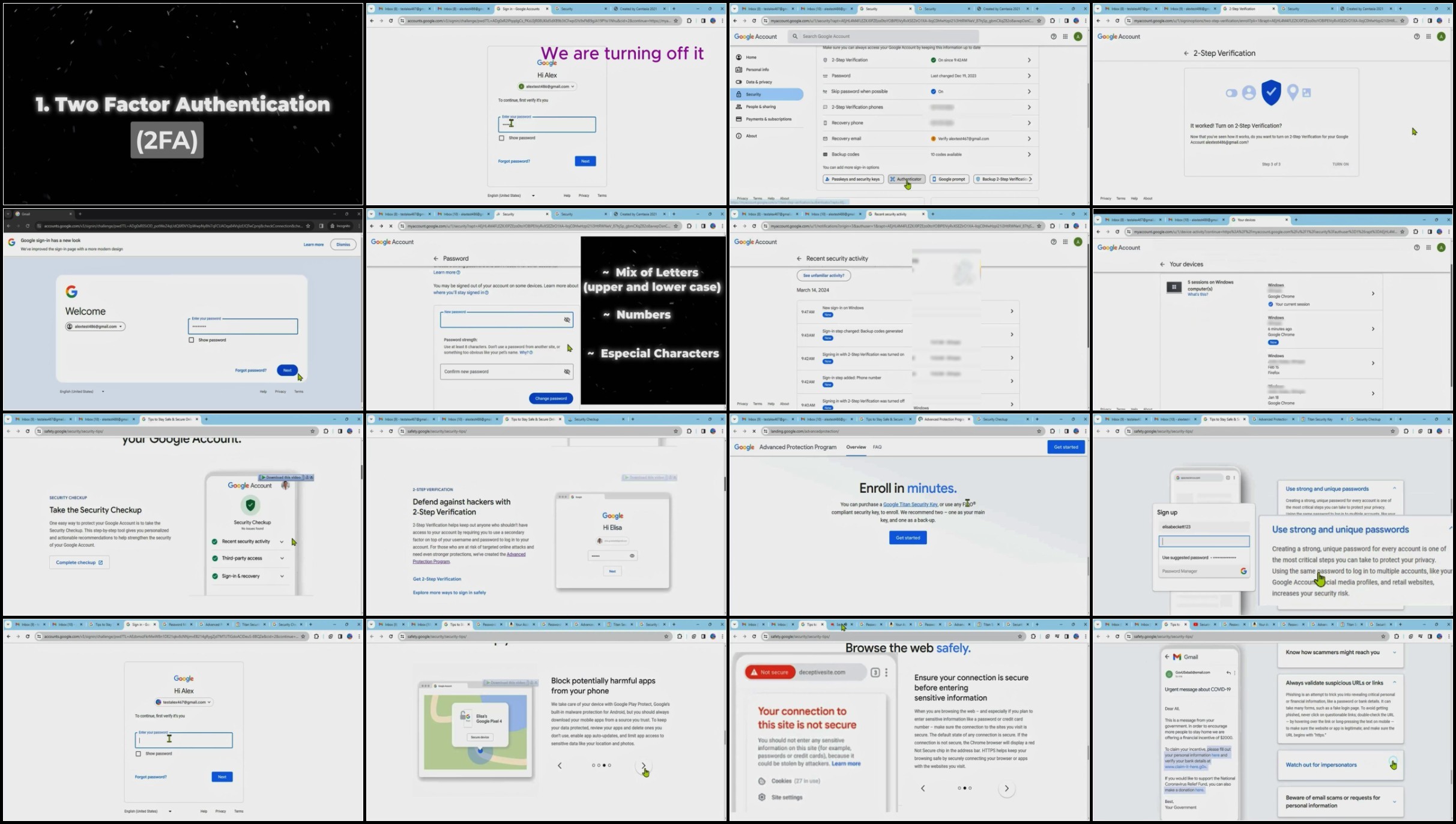
2 -Securing Google account.mp4 (112.23 MB)
3 -How to Change GMAIL Password.mp4 (14.07 MB)
4 -Recovering lost Password and Gmail account.mp4 (23.32 MB)
5 -How to Sign Out of your Account.mp4 (21.56 MB)
6 -How To Delete Your Gmail Account Permanently.mp4 (29.15 MB)
1 -Introduction.mp4 (12.71 MB)
1 -How to Schedule an Email.mp4 (17.93 MB)
2 -How to Undo sent emails in Gmail.mp4 (21.03 MB)
3 -Using priority inbox.mp4 (26.19 MB)
4 -How to use multiple inboxes.mp4 (53.97 MB)
5 -Check Gmail through other Email Platforms.mp4 (45.02 MB)
6 -How to create Multiple email from one Gmail Address.mp4 (28.34 MB)
7 -Creating Unlimited Numbers Of Gmail Accounts.mp4 (15.26 MB)
8 -How to use Gmail Offline.mp4 (35.25 MB)
9 -Snoozing Emails.mp4 (17.35 MB)
1 -Using Smart Compose.mp4 (18.91 MB)
2 -How to add Email Signature.mp4 (27.81 MB)
3 -How to use Confidential Mode.mp4 (27.71 MB)
4 -Utilizing email templates and canned responses.mp4 (32.97 MB)
5 -Vacation responder.mp4 (29.83 MB)
1 -How to add Contact on Gmail.mp4 (38.63 MB)
2 -How to create and use contact group as distribution list.mp4 (38.67 MB)
3 -How to use Google Chat in Gmail.mp4 (47.81 MB)
4 -How to join and use meeting.mp4 (48.35 MB)
5 -How to use Google Calendar Part 1.mp4 (38.62 MB)
6 -How to use Google Calendar Part 2.mp4 (30.35 MB)
7 -How to use Time Blocking with Google Calendar.mp4 (21.15 MB)
8 -How to create task in Gmail.mp4 (28.93 MB)]
Screenshot
AusFile
RapidGator
Feel free to post your Master Gmail Like a Pro in Just 4 Hours Free Download, torrent, subtitles, free download, quality, NFO, Dangerous Master Gmail Like a Pro in Just 4 Hours Torrent Download, free premium downloads movie, game, mp3 download, crack, serial, keygen.