





3.29 GB | 00:10:27 | mp4 | 1920X1080 | 16:9
Genre:eLearning |Language:English
Files Included :
1 - Introduction (115.02 MB)
3 - How to get the best out of your Udemy course (28.98 MB)
5 - 1 2 3 4 5 613 56 The business value of Power Platform services (32.16 MB)
6 - 4 7 8 The business value of Power Pages Microsoft Dataverse and AI Builder (44.01 MB)
7 - Curriculum (66.72 MB)
71 - 57 Provision and create our first Power Pages portal (25.94 MB)
72 - 58 Other Portal templates (22.64 MB)
73 - 59 Common portal customizations including how to share data externally (73.8 MB)
74 - 59a Describe use cases for creating sites by using Copilot in Power Pages (79.02 MB)
75 - 54 Uses and where you can publish chatbots creating our first chatbot (18.27 MB)
76 - Test a chatbot (12.65 MB)
77 - 55 Topics entities and actions (18.14 MB)
78 - Looking at topic conversation flowcharts (23.09 MB)
79 - Creating a topic using nodes conditions and trigger phrases (29.91 MB)
80 - 56 Create topics from existing FAQs by using Suggest Topics (23.65 MB)
81 - 54 Publish a chatbot (19.82 MB)
82 - 60 61 Use cases and lifecycle for AI Builder models (116.58 MB)
83 - 48 Describe document processing in Power Automate (17 MB)
84 - 14 Power Platform Security (18.19 MB)
85 - 14 Azure Identity Services and Access Management IAM (23.18 MB)
86 - 16 Manage apps and users and where to perform specific admin tasks (15.53 MB)
87 - 16 Data Loss Prevention DLP policies (15.47 MB)
88 - 17 Privacy and accessibility guidelines (13.75 MB)
89 - 16 Power Platform governance capabilities (11.13 MB)
90 - 9 Dynamics 365 and Power Platform (13.52 MB)
91 - 10 12 Microsoft 365 and Power Platform (13.08 MB)
92 - 13 Microsoft Azure Thirdparty apps and Power Platform (12.61 MB)
93 - 11 How Microsoft Power Platforms apps works together (23.71 MB)
94 - Whats Next (22.59 MB)
95 - Well done (27.44 MB)
97 - Describe uses for custom visuals including charts or controls (35.93 MB)
98 - Shared datasets and template apps (28.94 MB)
99 - Describe using Power BI in mobile apps (15.09 MB)
100 - The Common Data Model CDM (25.05 MB)
101 - The Native Dataverse connector (31.49 MB)
102 - The difference between Dataverse and Dataverse for Teams (16.25 MB)
103 - Publish and share a canvas app (15.93 MB)
104 - Revert to an earlier version (19.35 MB)
105 - Embedding into Microsoft Teams (13.13 MB)
106 - Publish and share an modeldriven app (13.76 MB)
107 - Power Pages User authentication (14.5 MB)
108 - Describe use cases for Power Virtual Agents within Microsoft Teams (12.26 MB)
109 - Power Virtual Agents Monitor chatbot usage and performance (13.3 MB)
110 - Consuming AI Builder in Microsoft Teams and SharePoint (18.51 MB)
111 - How Power Platform can consume Azure Cognitive Services (13.21 MB)
112 - Privacy and accessibility capabilities (25.82 MB)
113 - AppSource (52.17 MB)
114 - Analytics (18.52 MB)
10 - Identify available types of data sources including Microsoft Excel (14.24 MB)
11 - 29 Creating our first visualization (52.93 MB)
12 - Describe and implement aggregate functions (44.82 MB)
13 - 29 Identify and describe uses for visualization controls basic types (57.73 MB)
14 - 28 Describe how AI Insights helps identify anomalies and trends in data (23.68 MB)
15 - Describe types of filters (55.93 MB)
9 - Downloading Power BI Desktop (22.89 MB)
16 - 27 Loading queries into the Power Query Editor (35.74 MB)
17 - 27 Menus in Power Query Editor (17.61 MB)
18 - 27 Clean and transform data (51.5 MB)
19 - 27 Combine multiple data sources (10.63 MB)
20 - 25 Describe the Power BI Desktop Reports Data and Model tabs (43.83 MB)
21 - 27 Design data layout and mapping (47.16 MB)
22 - Publishing to the Power BI Service (30.2 MB)
24 - Why do I need a Work email address And how can I get one if I dont have it (94.51 MB)
25 - A quick look around the Power BI Service (24.19 MB)
26 - Power BI Terminology data sources semantic models reports and dashboards (59.01 MB)
27 - Power BI Terminology workspaces and apps (29.17 MB)
28 - 25 Compare and contrast Power BI Desktop and Power BI Service (79.59 MB)
29 - 30 31 Design a Power BI Dashboard including adding visuals by using QA (37.28 MB)
30 - 26 32 Compare and contrast and publish reports dashboards workspaces (59.59 MB)
31 - 26d Paginated reports (26.08 MB)
32 - 29 Create a Power BI report (28.16 MB)
33 - 32 Describe options for viewing Power BI reports and dashboards (39.78 MB)
34 - 33 Introduction to Power Apps incl canvas and modeldriven apps (33.91 MB)
35 - Signing up for PowerApps (16.5 MB)
36 - Creating our first canvas Power App (24.42 MB)
37 - 15 Describe Environments (45.41 MB)
38 - The Power Apps User Experience (28.54 MB)
39 - 19 Tables (26.43 MB)
40 - 19 Columns and Relationships and describing people places things (49.43 MB)
41 - 18 The difference between databases and Dataverse (11.54 MB)
42 - Solutions (15.16 MB)
43 - 20 Business Rules (19.54 MB)
44 - 20 Realtime workflows and actions (16.21 MB)
45 - 21 Dataflows (32.61 MB)
46 - 34 Templates including types of data sources and multiple data sources (22.63 MB)
47 - 23 36 Connect to data by using connectors premium licensing options (14.33 MB)
48 - What does the enduser see (33.36 MB)
49 - 38 Use controls to design the user experience (37.81 MB)
50 - 34 Components (16.52 MB)
51 - 34 Formulas (28.11 MB)
52 - 8a Using Copilots with canvas Power Apps (28.69 MB)
53 - 38a Build responsive pages by dragging and dropping containers (18.31 MB)
54 - 41 Modify views (14.91 MB)
55 - 40 Modify forms (19.83 MB)
56 - Charts and Dashboards (10.58 MB)
58 - 35 39 Creating our first modeldriven app adding tables to app navigation (26.18 MB)
59 - 22 4244 Intro incl flow types templates connectors triggers (53.66 MB)
60 - 45 Power Automate use cases for Microsoft Teams Outlook SharePoint Forms (28.59 MB)
61 - 22 49 50 Creating modifying and running an instant button flow (42.09 MB)
62 - 49 Creating an automated flow template with a condition and expression (38.55 MB)
63 - 49 Creating a scheduled flow using an Apply to Each loop (37.12 MB)
64 - 51 Other flow controls such as Switch and Do Until (34.25 MB)
65 - 45 Approvals and Business Processes (33.65 MB)
66 - 24 Identify use cases for custom connectors (17.7 MB)
67 - 46 Describe the Power Automate portal and mobile (45.87 MB)
68 - 47 53 Describe the Power Automate Desktop (37.03 MB)
69 - 48a Describe Process Mining and Task Mining (29.43 MB)
70 - 49a Describe how to create cloud flows by using Copilot in Power Automate (33.97 MB)
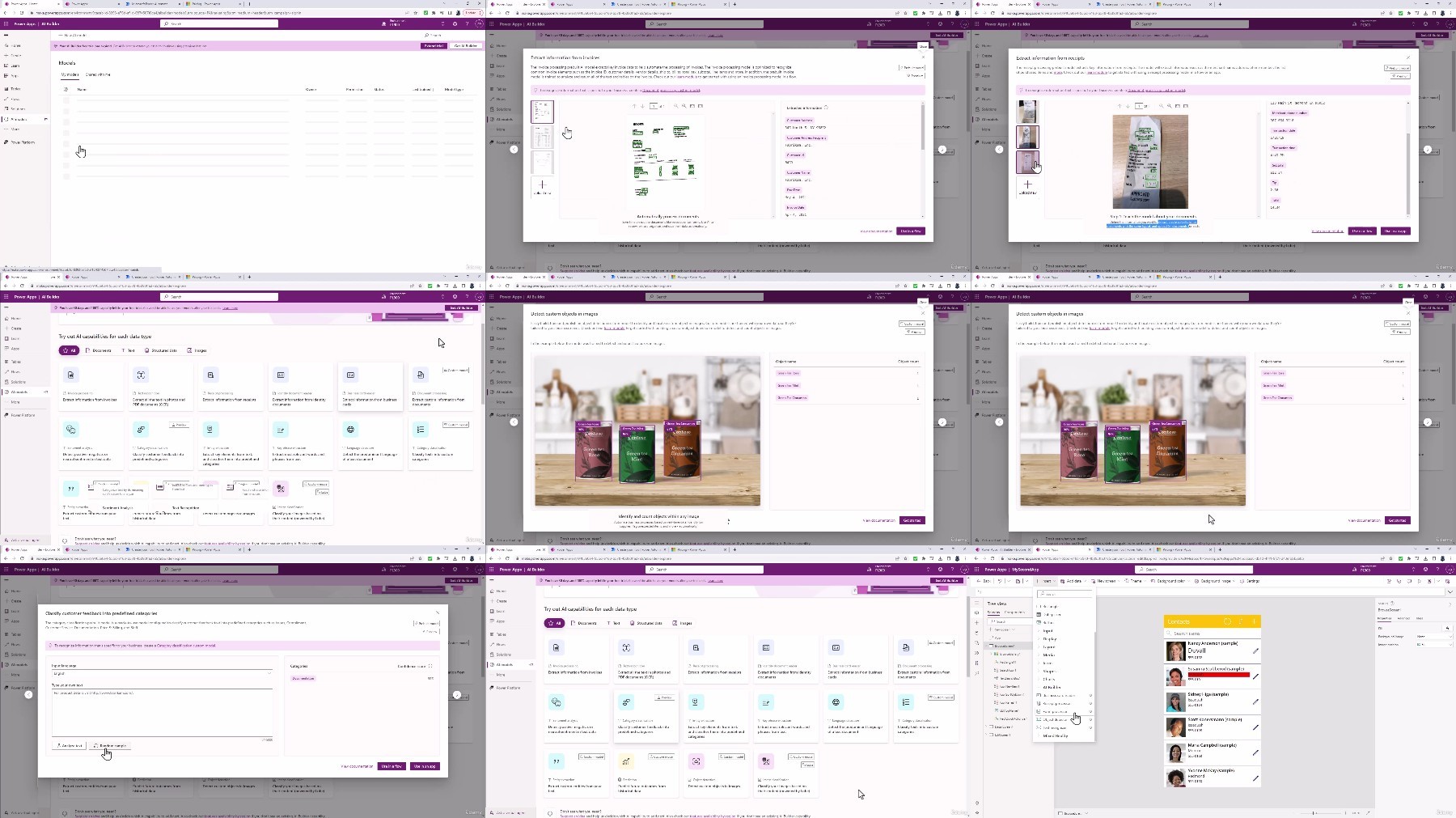
Screenshot
Feel free to post your Phillip Burton - PL-900 Microsoft Power Platform Fundamentals Free Download, torrent, subtitles, free download, quality, NFO, Dangerous Phillip Burton - PL-900 Microsoft Power Platform Fundamentals Torrent Download, free premium downloads movie, game, mp3 download, crack, serial, keygen.