





1.52 GB | 00:35:21 | mp4 | 1280X720 | 16:9
Genre:eLearning |Language:English
Files Included :
1 -Introduction Section (47.91 MB)
2 -What will we learn in the course (5.21 MB)
1 -What will you learn in this section (5.63 MB)
2 -Describe the relationship between data models and pivot (24.19 MB)
3 -Identify data model attributes (52.36 MB)
4 -Create a data model (40.83 MB)
1 -What will you learn in this section (7.92 MB)
2 -Describe the Splunk CIM (25.66 MB)
3 -List the knowledge objects included with the Splunk CIM Add-On (15.65 MB)
4 -Use the CIM Add-On to normalize data (50.31 MB)
1 -Introduction to Regular Expression (34.01 MB)
2 -Demo Lecture (296.28 MB)
3 -Conclusion (18.19 MB)
1 -What will you learn in this section (4.34 MB)
2 -Use The Chart Command (14.18 MB)
3 -Use The Timechart Command (40.8 MB)
1 -What will you learn in this section (6.93 MB)
2 -The eval command (55.49 MB)
3 -Use the search and where commands to filter (35.43 MB)
4 -The fillnull command (16.18 MB)
1 -What will you learn in this section (11.32 MB)
2 -Identify transactions (68.72 MB)
3 -Group events using fields (53.76 MB)
4 -Group events using fields and time (47.75 MB)
5 -Search with transactions (66.35 MB)
6 -Report on transactions (29.33 MB)
7 -Determine when to use transactions vs stats (27.88 MB)
1 -What will you learn in this section (9.18 MB)
2 -Perform regex field extractions using the Field Extractor (FX) (39.99 MB)
3 -Perform delimiter field extractions using the FX (37.58 MB)
1 -What will you learn in this section (14.52 MB)
2 -Describe, create, and use field aliases (15.26 MB)
3 -Describe, create, and use calculated fields (21.09 MB)
1 -What will you learn in this section (7.68 MB)
2 -Create and use tags (24.03 MB)
3 -Describe event types and their uses (18.77 MB)
4 -Create an event type (16.83 MB)
1 -What will you learn in this section (6.12 MB)
2 -Describe macros (12.12 MB)
3 -Create and use basic macro (28.96 MB)
4 -Define arguments and variables for a macro (22.97 MB)
5 -Add and use arguments with a macro (59.22 MB)
1 -What will you learn in this section (6.35 MB)
2 -Describe the function of GET, POST, and Search workflow actions (25.63 MB)
3 -Create a GET workflow action (40.5 MB)
4 -Create a POST workflow action (16.47 MB)
5 -Create a Search workflow action (26.8 MB)]
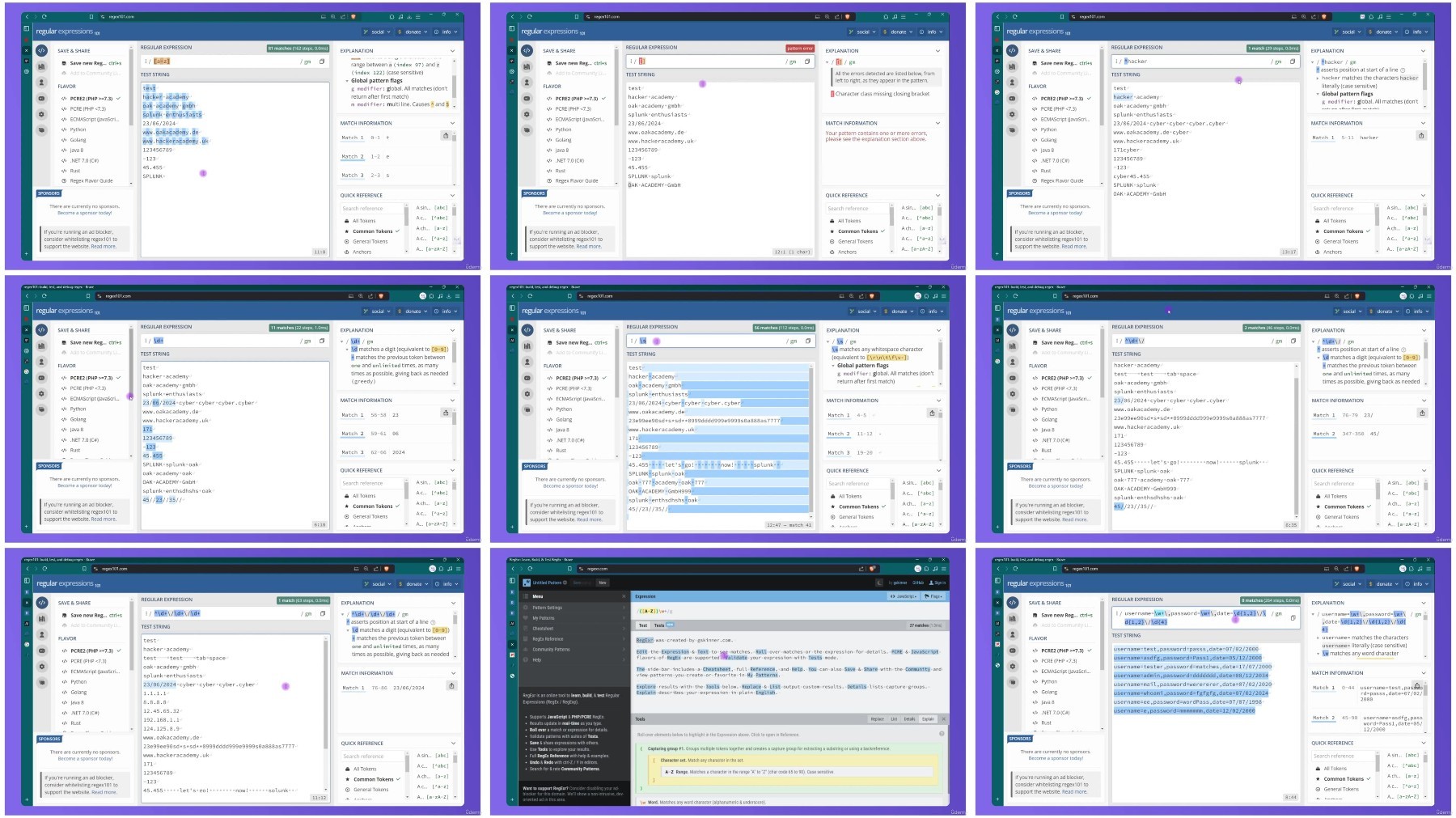
Screenshot
FileAxa
RapidGator
TurboBit
Feel free to post your Udemy Splunk Splunk Core Certified Power User SPLK 1002 Prep Free Download, torrent, subtitles, free download, quality, NFO, Dangerous Udemy Splunk Splunk Core Certified Power User SPLK 1002 Prep Torrent Download, free premium downloads movie, game, mp3 download, crack, serial, keygen.