




652.75 MB | 00:06:54 | mp4 | 1280X720 | 16:9
Genre:eLearning |Language:English
Files Included :
01 01-Overview.mp4 (5.12 MB)
01 02-Meanwhile, in the Real World.mp4 (8.24 MB)
01 03-Microsoft Client OS Version History.mp4 (9.75 MB)
01 04-32bit vs 64bit.mp4 (4.09 MB)
01 05-Upgrade Paths.mp4 (20.06 MB)
01 06-Windows User Interface Features.mp4 (3.18 MB)
01 07-Demo 1 Windows Versions Quick Tour.mp4 (8.62 MB)
01 08-Windows Application Features.mp4 (1.48 MB)
01 09-Windows File System Features.mp4 (1.8 MB)
01 10-Windows Cloud Features.mp4 (1.16 MB)
01 11-Windows Security Features.mp4 (3.55 MB)
01 12-Demo 2 Windows PowerShell Quick Start.mp4 (10.68 MB)
01 13-Back to the Real World.mp4 (1.08 MB)
01 14-Homework.mp4 (1.49 MB)
01 15-For Further Learning.mp4 (1.17 MB)
01 16-Summary.mp4 (1.26 MB)
02 01-Overview.mp4 (4.72 MB)
02 02-Meanwhile, in the Real World.mp4 (1.76 MB)
02 03-Boot Methods.mp4 (12.87 MB)
02 04-Partition Tables.mp4 (5.27 MB)
02 05-Windows Installation Types.mp4 (4.95 MB)
02 06-Operating System Deployment.mp4 (6.34 MB)
02 07-Multiboot.mp4 (8.07 MB)
02 08-Basic and Dynamic Disks.mp4 (3.35 MB)
02 09-Disk Format Types.mp4 (7.33 MB)
02 10-Special Partitions.mp4 (1.86 MB)
02 11-Postinstallation Tasks.mp4 (2.91 MB)
02 12-Demo 1 Installing Windows 8 1 with WDS.mp4 (6.85 MB)
02 13-Demo 2 Performing Postinstallation Tasks.mp4 (12.6 MB)
02 14-Back to the Real World.mp4 (941.11 KB)
02 15-Homework.mp4 (1.06 MB)
02 16-For Further Learning.mp4 (1.05 MB)
02 17-Summary.mp4 (1.69 MB)
03 01-Overview.mp4 (3.63 MB)
03 02-Meanwhile, in the Real World.mp4 (1.66 MB)
03 03-The State of Commandline Administration.mp4 (11.32 MB)
03 04-Demo 1 Cmd exe vs PowerShell exe.mp4 (11.45 MB)
03 05-Commandline Tool Parade.mp4 (5.87 MB)
03 06-File Management Commands.mp4 (6.78 MB)
03 07-Network Management Commands.mp4 (7.45 MB)
03 08-Demo 2 Creating a Shell Script.mp4 (7.36 MB)
03 09-Demo 3 Troubleshooting Our Script.mp4 (12.53 MB)
03 10-Back to the Real World.mp4 (1.48 MB)
03 11-Homework.mp4 (945.25 KB)
03 12-For Further Learning.mp4 (1.2 MB)
03 13-Summary.mp4 (1.79 MB)
04 01-Overview.mp4 (4.06 MB)
04 02-Meanwhile, in the Real World.mp4 (2.18 MB)
04 03-Demo 1 Administrative Tools.mp4 (21.68 MB)
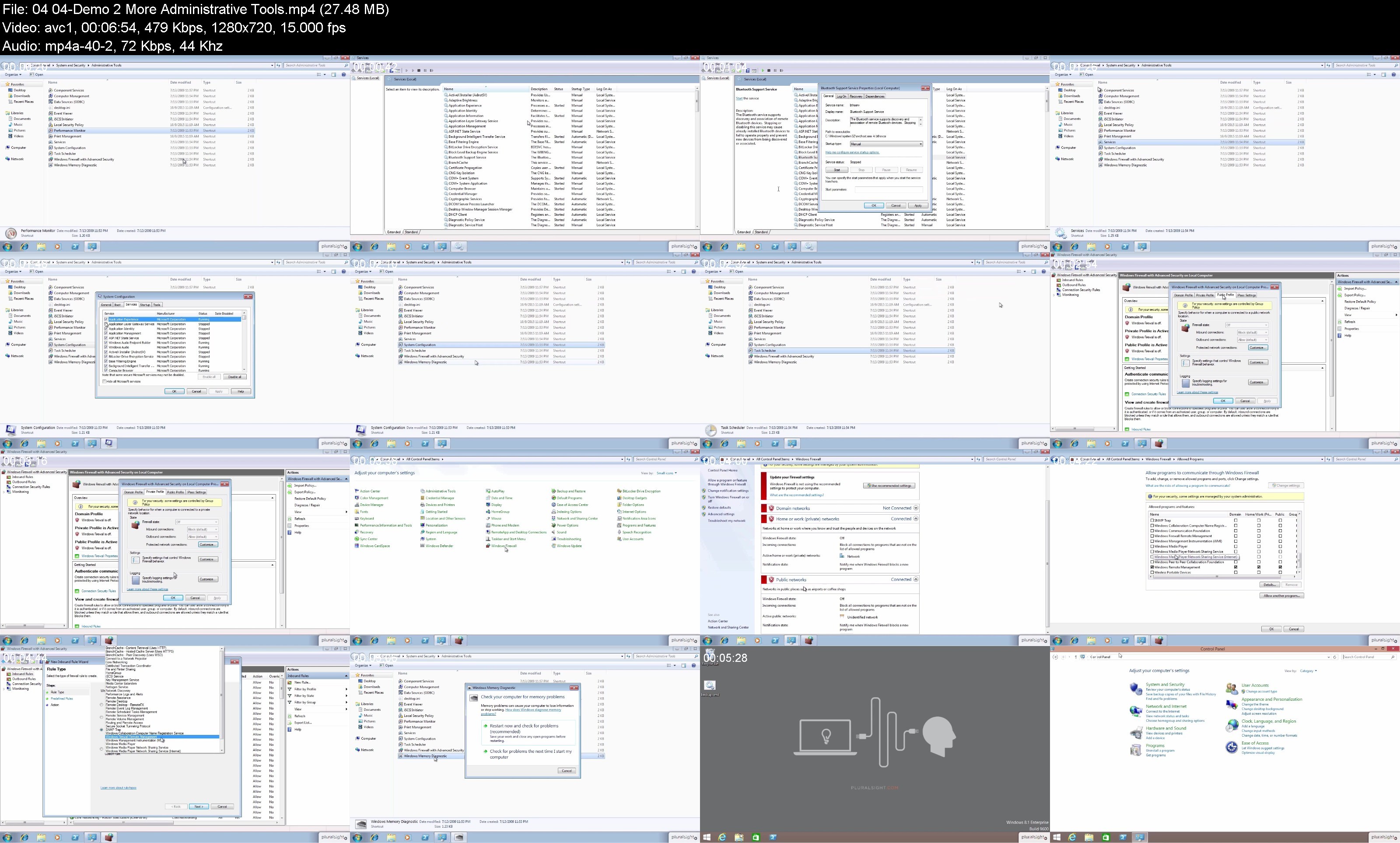
04 04-Demo 2 More Administrative Tools.mp4 (27.48 MB)
04 05-Demo 3 Disk Management Tools.mp4 (13.75 MB)
04 06-Demo 4 Working with Dynamic Disks.mp4 (8.6 MB)
04 07-Demo 5 System Utilities.mp4 (11.75 MB)
04 08-Demo 6 More System Utilities.mp4 (17.98 MB)
04 09-Back to the Real World.mp4 (1.11 MB)
04 10-Homework.mp4 (1.76 MB)
04 11-For Further Learning.mp4 (1.29 MB)
04 12-Summary.mp4 (2.24 MB)
05 01-Overview.mp4 (4.57 MB)
05 02-Meanwhile, in the Real World.mp4 (1.91 MB)
05 03-Control Panel Introduction.mp4 (24.29 MB)
05 04-Networkrelated Control Panel Items.mp4 (12.33 MB)
05 05-Managing Hardware with Control Panel.mp4 (11.93 MB)
05 06-More Control Panelbased Hardware Configuration.mp4 (9.5 MB)
05 07-Systemrelated Control Panel Items.mp4 (26.69 MB)
05 08-System Troubleshooters.mp4 (7.97 MB)
05 09-Back to the Real World.mp4 (837.69 KB)
05 10-Homework.mp4 (1.39 MB)
05 11-For Further Learning.mp4 (2.26 MB)
05 12-Summary.mp4 (2.17 MB)
06 01-Overview.mp4 (5.84 MB)
06 02-Meanwhile, in the Real World.mp4 (1.72 MB)
06 03-Network Host Configuration Overview.mp4 (10.03 MB)
06 04-TCPIP Configuration.mp4 (8.23 MB)
06 05-Workgroup vs Domain Networking.mp4 (4.78 MB)
06 06-Windows Firewall and Proxy Settings.mp4 (8.53 MB)
06 07-Demo 1 Windows Workgroup Computing.mp4 (9.67 MB)
06 08-Network Connections.mp4 (5.63 MB)
06 09-Mapped Network Drives and Printer Sharing.mp4 (11.54 MB)
06 10-Remote Desktop.mp4 (2.44 MB)
06 11-Remote Assistance.mp4 (3.13 MB)
06 12-Demo 2 Using Remote Assistance.mp4 (13.91 MB)
06 13-Back to the Real World.mp4 (1.65 MB)
06 14-Homework.mp4 (1.15 MB)
06 15-For Further Learning.mp4 (1.04 MB)
06 16-Summary.mp4 (1.72 MB)
07 02-Meanwhile, in the Real World.mp4 (2.19 MB)
07 03-What Is a Best Practice.mp4 (735.6 KB)
07 04-Clientside Backups.mp4 (5.51 MB)
07 05-Serverside Backups.mp4 (6.57 MB)
07 06-Scheduled Disk Maintenance.mp4 (6.34 MB)
07 07-Windows Updates.mp4 (5.07 MB)
07 08-DriverFirmware Updates.mp4 (4.33 MB)
07 09-Antimalware Updates.mp4 (3.23 MB)
07 10-Demo 1 Windows Update and WSUS.mp4 (15.11 MB)
07 11-System Restore.mp4 (4.66 MB)
07 12-System Image Backup.mp4 (3.83 MB)
07 13-Demo 2 System Restore and System Image Recovery.mp4 (17.76 MB)
07 14-Back to the Real World.mp4 (1.08 MB)
07 15-Homework.mp4 (1.44 MB)
07 16-Summary.mp4 (2.92 MB)
operatingsystemscomptiaaplus220902.zip (21.49 MB)]
Screenshot
Feel free to post your Windows Operating Systems for CompTIA A Plus (220-902) Free Download, torrent, subtitles, free download, quality, NFO, Dangerous Windows Operating Systems for CompTIA A Plus (220-902) Torrent Download, free premium downloads movie, game, mp3 download, crack, serial, keygen.