





9.19 GB | 21min 35s | mp4 | 1280X720 | 16:9
Genre:eLearning |Language:English
Files Included :
1 -Introduction To Course Setup.mp4 (3.08 MB)
1 -Download and Install Wireshark For DNS Traffic.mp4 (69.31 MB)
1 -Enable The RSAT Tool For DNS And Manage The DNS Server From Client PC.mp4 (73.88 MB)
1 -Sign The Zone and Apply The Proper GPO.mp4 (52.83 MB)
1 -Install AD On The 1st Server and Join The 2nd Server To The Domain.mp4 (69.4 MB)
2 -Install DHCP On The 2nd Server (Member Server).mp4 (29.97 MB)
3 -Try and Obtain IP Address On Both Client PCs (APIPA).mp4 (106.98 MB)
1 -Create A Scope On The DHCP Server And Test Both Clients For DHCP.mp4 (37.95 MB)
2 -Modify Scope Options and The Lease Time.mp4 (40.55 MB)
3 -Configure a DHCP Reservation For W11-1.mp4 (28.11 MB)
4 -Configure DHCP Filtering For W11-2.mp4 (11.96 MB)
5 -Create Additional Scopes and What's The Purpose Of Them (VLANS).mp4 (41.14 MB)
6 -Create a Super Scope and What's Its Purpose.mp4 (22.5 MB)
7 -Create a Multicast Scope and When is It Used.mp4 (6.77 MB)
8 -What is The difference between Scope Options and Server Options.mp4 (16.63 MB)
1 -Backup and Restore The DHCP Server.mp4 (9.86 MB)
2 -Reconcile The DHCP Scopes.mp4 (4.41 MB)
1 -Setup A 3rd Server and Join It To The Domain and Install DHCP On It.mp4 (36.43 MB)
2 -How To Setup Fault Tolerance For The DHCP Server Using The Hot Standby Option.mp4 (69.5 MB)
3 -How To Setup Performance (Load Balancing) For The DHCP Server.mp4 (15.28 MB)
1 -Enable The RSAT For DHCP On Client PC (W11-1).mp4 (58.58 MB)
2 -Verify That Administrator can control DHCP From Client System.mp4 (46.58 MB)
3 -Delegate Control To Junior Admins To Manage The DHCP Server From Client PC.mp4 (72.92 MB)
1 -Download and Install Wire Shark On W11-1 PC and Capture DORA (DHCP Traffic).mp4 (103.03 MB)
1 -Change Computer Names And Set Proper IPs on All Systems.mp4 (107.54 MB)
2 -Install AD On The 1st Server , Join Both Servers and Both Clients To The Domain.mp4 (78.69 MB)
1 -Download And Install VMware Player.mp4 (11.55 MB)
2 -Download The ISO Of Windows Server 2025 and Windows 11.mp4 (12.1 MB)
3 -Install Windows Server 2025 and Windows 11.mp4 (203.83 MB)
1 -RAID 1 On 2nd Server (Add 2 VHDs with Size of 500GB).mp4 (24.46 MB)
2 -Installing WSUS On The 2nd Server Including BITS.mp4 (25.85 MB)
3 -Configuring WSUS On The Server (Upstream SRV) , Configure The Proper GPOs.mp4 (88.07 MB)
4 -Checking The Status Of The WSUS Server And Modify WSUS.mp4 (20.07 MB)
5 -Managing Computer Groups In WSUS And ApproveDisapprove Updates.mp4 (216.79 MB)
6 -Checking The Status on Both Clients for Updates.mp4 (64.17 MB)
1 -RAID 1 On 3rd Server (Add 2 VHDs with Size of 500GB).mp4 (27.34 MB)
2 -Installing WSUS On The 3rd Server Including BITS.mp4 (8.21 MB)
3 -Configuring WSUS On The Server (Downstream SRV) And Modify WSUS.mp4 (18.82 MB)
4 -Checking The Status Of The WSUS Server, Apply GPOs and Configure The Firewall.mp4 (18.89 MB)
1 -Installing AD Certificate Services On The DC (1st Server).mp4 (20.37 MB)
2 -Create SSL Template , Request and Import Into IIS and Change The GPOs.mp4 (70.31 MB)
1 -Install AD On the 1st Server And Join 2nd Server To The Domain.mp4 (48.42 MB)
1 -Installing Windows Deployments Services On The 2nd Server.mp4 (6.64 MB)
2 -Installing All The Requirements For the WDS (DHCP,Virtual HDs).mp4 (31.12 MB)
3 -Configure DHCP Server and Create The RAID 1 On The WDS Server.mp4 (15.04 MB)
4 -Configure The WDS Server.mp4 (14.29 MB)
5 -Creating The BOOT and IINSTALL Images.mp4 (19.45 MB)
1 -Deploy Windows 11 Using Unicast Method.mp4 (47 MB)
2 -Deploy Windows 11 Using Multicast Method.mp4 (47.34 MB)
3 -Deploy Windows Server 2025 Using Multicast Method.mp4 (51.3 MB)
4 -Deploy Windows Server 2025 Using A Prestaged Environment.mp4 (30.34 MB)
1 -Have A Fresh Copy Of Windows 10 And Windows 11.mp4 (38.84 MB)
2 -Install Programs ,Features And Roles on Both Clients.mp4 (45.6 MB)
3 -Join Both Systems To The Domain.mp4 (17.54 MB)
4 -Create A Capture Image On The WDS Server.mp4 (11.92 MB)
5 -Sysprep Both Client Systems And Capture The Image and Send To WDS.mp4 (73.05 MB)
6 -Create A New Windows 1011 System Using The Capture Image Of Windows 1011.mp4 (38.53 MB)
1 -Change Computer and Server Names and Setting Up IP Addresses.mp4 (72.62 MB)
2 -Testing Connectivity Between all Systems (Server 2025,11).mp4 (36.82 MB)
1 -How Workgroups Work and There Limitations and Lack Of Centralization.mp4 (69.49 MB)
1 -Install AD On The Server The Proper Way.mp4 (58.81 MB)
2 -Join Both Clients To The Domain.mp4 (61.58 MB)
1 -Enable Hyper-V On Your System.mp4 (9.15 MB)
2 -Install Windows Server 2025 and Windows 11.mp4 (47.35 MB)
1 -Active Directory Users and Computers.mp4 (13.33 MB)
2 -Active Directory Domains and Trusts.mp4 (10.37 MB)
3 -Active Directory Sites and Services.mp4 (10.92 MB)
4 -Active Directory Administrative Center.mp4 (13.03 MB)
1 -Creating and Managing OUs.mp4 (17.46 MB)
2 -Creating and Managing User Accts.mp4 (19.41 MB)
3 -User Account Management (Reset,Disable,Expire,Change).mp4 (48.82 MB)
4 -User Account Management (Acct and Time Restriction).mp4 (41.7 MB)
5 -User Account Management (User Profiles, Home Directories).mp4 (114.24 MB)
6 -User Account Management (Template Account).mp4 (19.54 MB)
7 -Filtering ,Searching and Queries In AD.mp4 (26.57 MB)
1 -Working With The Command Line (DSADD).mp4 (60.87 MB)
2 -Working With The Command Line (DSRM).mp4 (22.12 MB)
3 -Working With The Command Line (DSMOVE).mp4 (24.31 MB)
4 -Working With The Command Line (DSQUERY).mp4 (15.66 MB)
5 -Working With The Net User Command Line.mp4 (17.19 MB)
1 -What is RSAT Enable On Your Windows 11 System.mp4 (38.62 MB)
2 -Test Management and Control Of AD using the RSAT Tools.mp4 (32.41 MB)
3 -Delegate and Remove Control To Junior Administrators to Manage AD using W11.mp4 (151.5 MB)
4 -Enterprise Admins VS Domain Admins VS Administrators VS Domain Users.mp4 (79.97 MB)
1 -Deleting And Recovering Objects Using The AD Recycle Bin.mp4 (15.1 MB)
1 -Setup Additional Raid Drives On The DC.mp4 (27.88 MB)
2 -Install Windows Server Backup.mp4 (6.28 MB)
3 -Install AD On The Server and Create OUs , Users, Groups, Computers and GPOs.mp4 (30.2 MB)
4 -Backup AD Using The GUI.mp4 (21.06 MB)
5 -Backup AD Using The CLI.mp4 (19.11 MB)
6 -Restoring AD Using The GUI.mp4 (48.49 MB)
7 -Restoring AD Using The CLI.mp4 (47.56 MB)
8 -Moving The Database and Log Files To A Raid Drive.mp4 (31.31 MB)
1 -Install DNS And Make Both Servers Domain Controllers.mp4 (125.36 MB)
2 -What is A GC and DC and the difference between them Including DNS.mp4 (183.22 MB)
3 -Manage Replication Between both Servers Using AD Sites And Services And The CLI.mp4 (21.72 MB)
1 -What are the FSMO Roles and How to display Them.mp4 (77.93 MB)
2 -Testing and transferring FSMO Roles using the GUI.mp4 (64.63 MB)
3 -Testing and transferring FSMO Roles using the CLI.mp4 (34.91 MB)
4 -Testing and Seizing FSMO Roles.mp4 (79.93 MB)
1 -Demoting The 2nd DC.mp4 (27.91 MB)
2 -Demoting The 1st DC.mp4 (19.58 MB)
1 -Setup Your 1st Windows Server 2025 (WRDC).mp4 (43.88 MB)
2 -Setup Your 2nd Windows Server 2025 (RODC).mp4 (46.6 MB)
3 -Specify Which Accts can logon to the RODC.mp4 (36.24 MB)
4 -Make Sure The RODC Is also a DNS Server.mp4 (47.89 MB)
5 -Create The Site To Move The RODC Too.mp4 (54.67 MB)
1 -Download And Install VirtualBox.mp4 (12.18 MB)
2 -Install Windows Server 2025 and Windows 11.mp4 (42.93 MB)
1 -Create 2 Separate Forests.mp4 (40.46 MB)
2 -Create A Trust Between Them (Make Sure To Create a Stub Zone In DNS).mp4 (48.2 MB)
1 -Setup 4 Windows Server 2025 DCs.mp4 (154.24 MB)
2 -Make Sure All DCs Are DNS Servers.mp4 (38.03 MB)
3 -Create 2 Different Networks Than Configure Routing.mp4 (48.42 MB)
4 -Create SitesSitelinksBridgeheadGCsSubnets.mp4 (28.9 MB)
1 -Setup A Windows Server 2022 And Make It As A DC (Download The ISO Of W2022).mp4 (59.26 MB)
2 -Setup A New Windows Server 2025 As A Replica (Additional DC).mp4 (57.95 MB)
3 -Verify Replication Between Both DCs.mp4 (12.92 MB)
4 -Make Sure The Windows Server 2025 is Also A DNS Server.mp4 (48.76 MB)
5 -Transfer FSMO Roles To W2025 Demote W2022 Raise DomainForest Levels To 2025.mp4 (57.91 MB)
6 -Lets Try and Make The W2022 As A Replica Again.mp4 (14.52 MB)
1 -Change Computer and Server Names and Setting Up IP Addresses.mp4 (72.55 MB)
2 -Testing Connectivity Between all Systems (Server 2025,11).mp4 (36.82 MB)
1 -Install AD On The Server The Proper Way.mp4 (58.8 MB)
2 -Join Both Clients To The Domain.mp4 (61.61 MB)
1 -Create Multiple OUs(Dept) Under AD Users And Computers.mp4 (8.64 MB)
2 -Create Multiple Users and Groups Under Each Corresponding Dept(OU).mp4 (18.5 MB)
3 -Move Computers To Their Corresponding OU.mp4 (8.89 MB)
1 -Default Domain Policy (Account LockoutPassword and Audit Policies).mp4 (61.82 MB)
2 -Default Domain Policy (Security OptionsUser Right Assignment).mp4 (75.06 MB)
3 -Default Domain Controller Policy (Security OptionsUser Right Assignment).mp4 (73.84 MB)
4 -Creating a Policy and Link It To The Domain Level Part1 (System).mp4 (92.09 MB)
5 -Creating a Policy and Link It To The Domain Level Part2 (Control Panel).mp4 (67.45 MB)
6 -How To DisableEnableFilterView GPOs.mp4 (35.34 MB)
1 -Create a Policy and Link It To The Sales OU.mp4 (75.12 MB)
2 -Create Two Policies and Link It To The HR OU.mp4 (45.9 MB)
3 -Create a Policy that has User And Computer Config and Link It To The QA OU.mp4 (162.31 MB)
4 -What Is Block InheritanceEnforced Policies.mp4 (87.23 MB)
1 -Deploy Software Through GPOs Using User and Computer Configuration.mp4 (63.26 MB)
1 -How To Configure Fine Grain Password Policies.mp4 (32.28 MB)
1 -Change Computer Names , Set IP Addresses and Test Connectivity by FQDN and IPs.mp4 (166.72 MB)
1 -Integrating IPSEC Into AD Using GPMC.mp4 (234.18 MB)
1 -How To Backup And Restore GPOs.mp4 (26.94 MB)
1 -How To Display What Policies Are Taking Affect.mp4 (13.93 MB)
1 -Installing AD on the Server.mp4 (31.99 MB)
2 -Joining Both Clients to the Domain.mp4 (19.52 MB)
3 -Installing and Configuring the CA Server.mp4 (61.78 MB)
4 -Setting Up EFS Template Through CA Server And Setting Up The GPO.mp4 (14.05 MB)
5 -Requesting EFS Certs From CA Server for Encrypting.mp4 (78.87 MB)
6 -Install IIS On The Server and Create a Basic WebPage and Use HTTP.mp4 (35.17 MB)
7 -Requesting SSL Cert From CA Server and Change To HTTPS Instead Of HTTP.mp4 (24.93 MB)
1 -Creating User Accts and Groups In AD.mp4 (18.93 MB)
2 -Creating Folders and Changing To The Proper Permissions Using ACL.mp4 (32.53 MB)
3 -Enabling Auditing For NTFS Shares and Checking Deny Allow Permissions.mp4 (62.88 MB)
1 -Overview Of All TCPIP Classes and How Binary and Decimal Work (Part1).mp4 (38.45 MB)
2 -Overview Of All TCPIP Classes and How Binary and Decimal Work (Part2).mp4 (39.56 MB)
3 -Class C.mp4 (73.9 MB)
4 -Class B.mp4 (54.35 MB)
5 -Class A.mp4 (41.86 MB)
6 -Class D,E.mp4 (6.38 MB)
1 -Subnetting a Class C Network (Part1).mp4 (151.85 MB)
2 -Subnetting a Class C Network (Part2).mp4 (97.36 MB)
3 -Reverse Engineering Subnetting For Class C.mp4 (40.2 MB)
4 -Subnetting a Class B Network (Part1).mp4 (74.75 MB)
5 -Subnetting a Class B Network (Part2).mp4 (98.45 MB)
6 -Reverse Engineering Subnetting For Class B.mp4 (22.95 MB)
7 -Subnetting a Class A Network (Part1).mp4 (81.28 MB)
8 -Subnetting a Class A Network (Part2).mp4 (87.8 MB)
9 -Reverse Engineering Subnetting For Class A.mp4 (8.48 MB)
1 -In A NutShell.mp4 (3 MB)
1 -Install DNS On The Server What Are Root Hints and Forwarders.mp4 (137.44 MB)
2 -Create a Primary Forward Lookup Zone With Proper Resource Records (A,NS,SOA).mp4 (118.73 MB)
3 -Create Additional Resource Records (CNAME(Alias)) Under The Forward Lookup Zone.mp4 (21.81 MB)
4 -Create Additional Resource Records (MX) And Checking The Status Of The (SOA).mp4 (5.17 MB)
5 -Create a Primary Reverse Lookup Zone Along With Proper Resource Records(PTR).mp4 (9.42 MB)
6 -Using NSLookup,IPconfigFlushdnsRegisterDNSDisplayDNS.mp4 (45.39 MB)
1 -Change Computer names To Simulate TWO Different Companies Install DNS 2nd SRV.mp4 (35.98 MB)
2 -Change The IP Address Scheme To Simulate 2 Different Networks.mp4 (47.16 MB)
3 -Configure Routing Between 2 Different Networks (Static Routing).mp4 (38.11 MB)
4 -Test Connectivity Between 2 Different Networks using IPs and Names.mp4 (28.28 MB)
5 -Create a Secondary Zone On Each Server For Name Resolution.mp4 (80.28 MB)
6 -Create a Stub Zone On Each Server For Alternate Name Resolution.mp4 (53.1 MB)
7 -Create a Conditional Forwarder On Each Server For Alternate Name Resolution.mp4 (32.45 MB)
1 -Change Computer Names and IPs For The Corresponding LAB.mp4 (40.42 MB)
2 -Install DNS On The 1st Server Create The Zone Install AD Domain Services.mp4 (15.78 MB)
3 -Check The Status Of The Zone On The Server.mp4 (10.39 MB)
4 -Install AD Domain Services On The 2nd And 3rd Server.mp4 (47.29 MB)
5 -Install DNS On The 2nd And 3rd Server.mp4 (28.45 MB)
6 -Store The Zones In AD On The 1st Server Check If Zone is on 2nd 3rd DCs.mp4 (58.55 MB)
7 -Test To See If Client PC Can Register To The DNS Server.mp4 (14.54 MB)
8 -Change The Dynamic Updates To Secure Only Check to see If Client Can Register.mp4 (19.54 MB)
9 -Using The DNSCMD Specify which DCs will get a copy of the Zone.mp4 (66.93 MB)
1 -How Does The Hosts File Work and How Its Manipulated.mp4 (79.67 MB)]
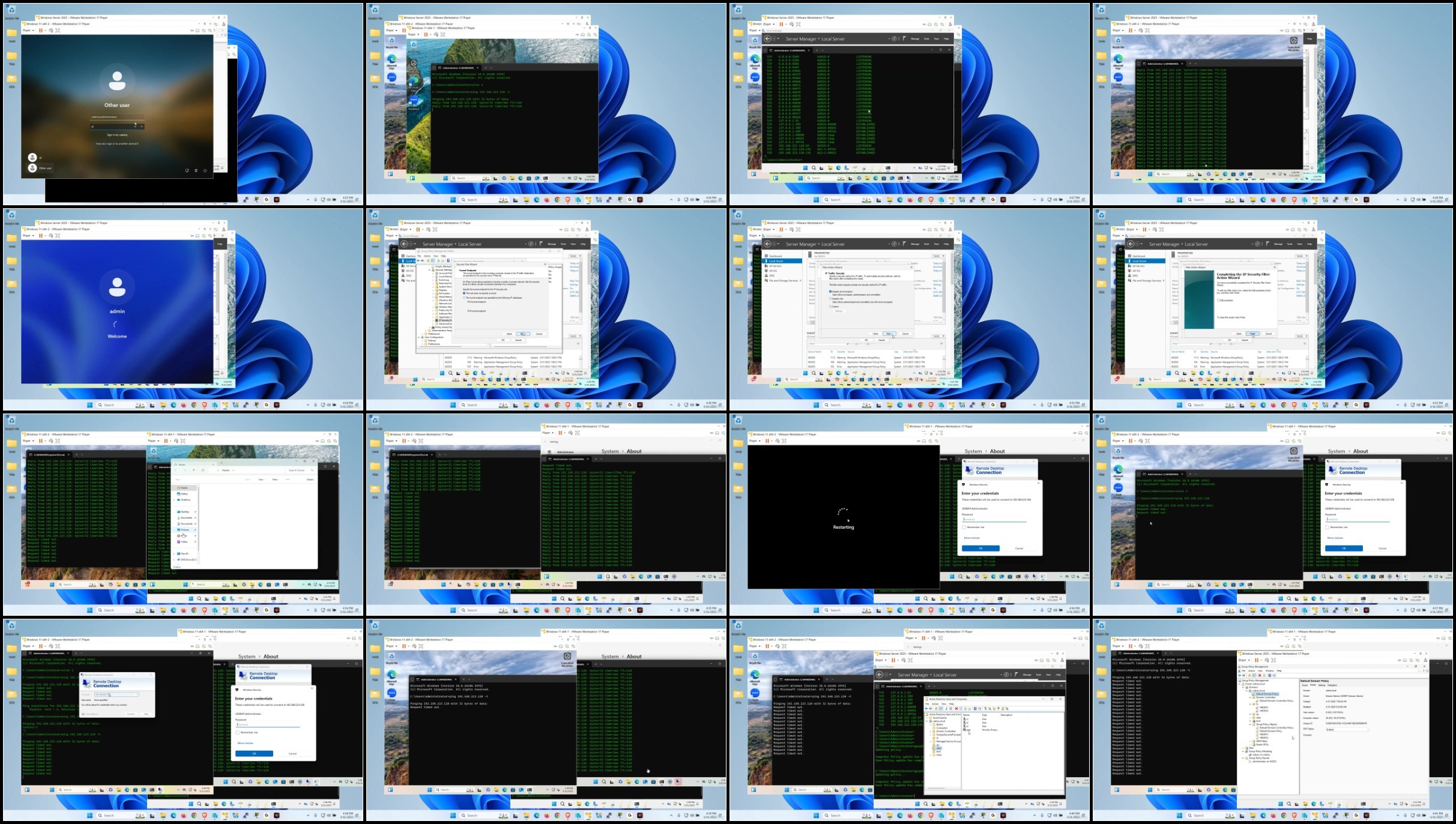
Screenshot
AusFile
RapidGatorhttps://ausfile.com/jm2xsbowd3tz
https://ausfile.com/vkn6ntbgdt0u
https://ausfile.com/8udmellcmzwq
https://ausfile.com/0fz8paiwbh15
https://ausfile.com/a7ms90aniapt
https://ausfile.com/jkdgriu842xy
https://ausfile.com/jdapeybut5lf
https://ausfile.com/lzgvlwt9x0le
https://ausfile.com/h9v0kniclr63
https://ausfile.com/gfvmxgicxc2u
https://rapidgator.net/file/3f59f0f1d8cc0352de1b8f20467fa2ed/
https://rapidgator.net/file/a179a85f0212df1a5c47b1809ce4d486/
https://rapidgator.net/file/f7e0014b6aaa6739a7243a9129711c16/
https://rapidgator.net/file/5e4f373107c1fdb89e0042826576f0aa/
https://rapidgator.net/file/0f3e2daeb9f5e8f42e35d76e7ada05a5/
https://rapidgator.net/file/ec2463e4a5f5a558699fcd450dc31ca0/
https://rapidgator.net/file/19e751d1e37ac33a791b9f466c2a92d6/
https://rapidgator.net/file/b7e252db31f73b4026974e677f80e990/
https://rapidgator.net/file/3906261686e6527a1b7657a26c80f5f1/
https://rapidgator.net/file/7ba35785755bcb7fa6dc5dfeed6efe2e/
Feel free to post your Windows Server 2025 Full Admin Course 100 Labs Hands On Exp Free Download, torrent, subtitles, free download, quality, NFO, Dangerous Windows Server 2025 Full Admin Course 100 Labs Hands On Exp Torrent Download, free premium downloads movie, game, mp3 download, crack, serial, keygen.